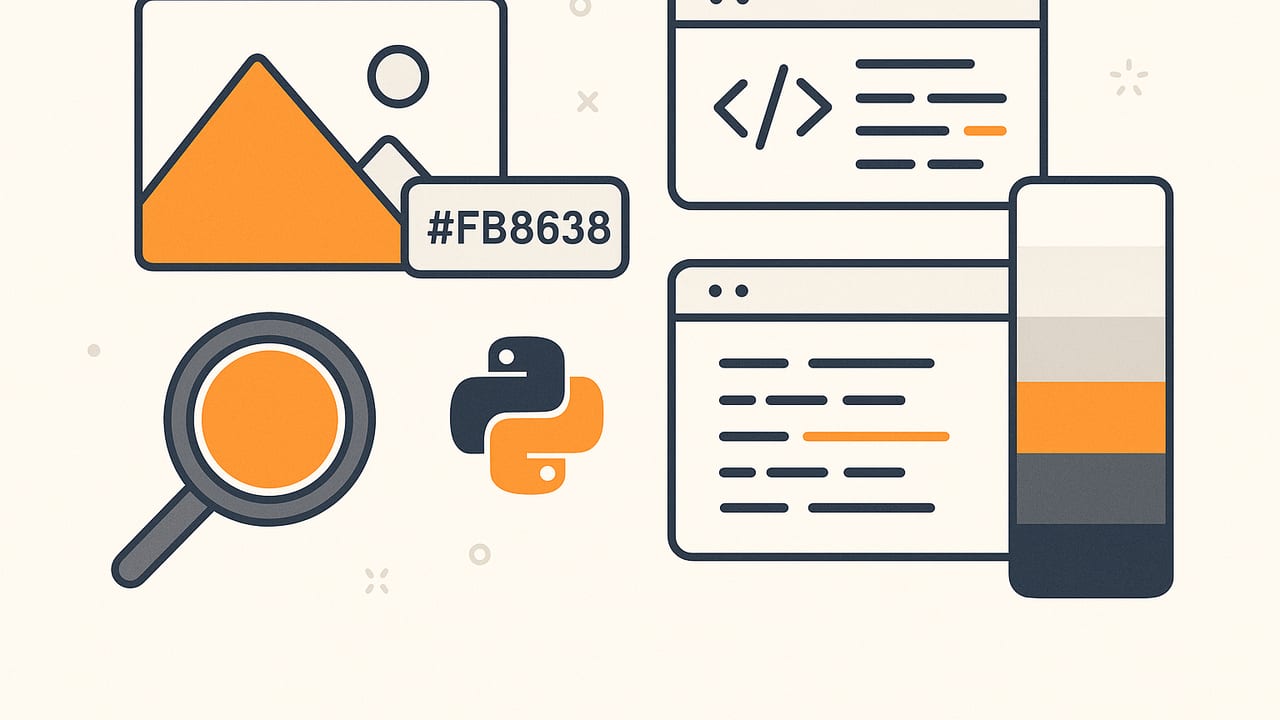
A hex color extractor converts the colors inside a photo into web-ready HEX values (like #8A2BE2), often grouped into a palette that reflects the image\u2019s mood or brand identity. Whether you\u2019re a UI designer, interior stylist, or developer building a color picker, understanding how a hex color extractor works helps you get more accurate, beautiful palettes. This guide explains the pipeline, compares algorithms, highlights accuracy pitfalls, and includes pragmatic Swift and Python code to go from pixels to precise HEX.
What a Hex Color Extractor Actually Does
Under the hood, a reliable extractor is more than a \u201ccolor picker.\u201d It\u2019s a pipeline:
- Decode & manage color \u2013 Read the image, respect its embedded color profile (e.g., Display P3, Adobe RGB), and convert to a working space (usually sRGB).
- Sample pixels \u2013 Either sample the whole image or downsample with a strategy that preserves detail and avoids bias.
- Quantize to a palette \u2013 Reduce millions of colors to N key colors using algorithms like median cut, k-means, or an octree.
- Post-process \u2013 Merge near-duplicates, ignore artifacts (e.g., compression noise), and sort colors by perceptual order.
- Format & export \u2013 Convert final RGB values to HEX, optionally name colors, and export as text, CSS, images, or ASE/ACO.
When done properly, the extractor feels simple\u2014tap or process an image and get exact, repeatable HEX values.
Color Management First: Profiles, Gamma, and Bit Depth
Color accuracy starts with respecting color profiles. Many modern photos use Display P3 (wider gamut than sRGB). If you skip profile conversion, you\u2019ll get wrong HEX. The typical workflow:
- Read the image\u2019s ICC profile.
- Convert to linear light RGB for math-heavy steps (quantization often benefits from linear space).
- Convert back to sRGB (non-linear) for final HEX, because web HEX assumes sRGB.
Swift (iOS) snippet: normalize to sRGB
// Convert a CGImage to sRGB for consistent HEX results
import CoreImage
import UIKit

func cgImageInSRGB(_ image: CGImage) -> CGImage? {
    let ciImage = CIImage(cgImage: image)
    // Convert to sRGB color space
    let context = CIContext(options: [.workingColorSpace: CGColorSpace(name: CGColorSpace.sRGB) as Any,
                                      .outputColorSpace: CGColorSpace(name: CGColorSpace.sRGB) as Any])
    return context.createCGImage(ciImage, from: ciImage.extent)
}
In many pipelines, you\u2019ll also linearize (remove gamma), perform clustering, then re-encode to sRGB before formatting HEX.
Extraction Algorithms Compared
Different quantization methods trade speed for fidelity. Here\u2019s a compact comparison for a hex color extractor:
| Algorithm | Speed | Memory | Palette Quality | Notes |
|---|---|---|---|---|
| Median Cut | Fast | Low | Good | Classic; can miss small but important accents |
| K-means | Moderate | Moderate | Very Good | Stable with k-means++ init; benefits from linear space |
| Octree | Fast | Low | Good | Memory-efficient; tunable pruning |
| Hierarchical Clustering | Slow | High | Excellent | Great quality; expensive on large images |
If you need balanced speed and quality for mobile, k-means or median cut are practical. For large desktop batches, hierarchical methods shine but require careful optimization.
Sampling Strategy: Don\u2019t Let Noise Choose Your Palette
Feeding every pixel into clustering is often wasteful and noisy. Smarter sampling:
- Uniform grid: Downsample the image to a manageable size (e.g., longest side 512 px) using a high-quality filter.
- Importance sampling: Weight pixels by saliency or edge maps to preserve visual anchors.
- Superpixels (SLIC): Segment into coherent regions, then sample region means to reduce noise and speed up clustering.
Python snippet: k-means over downsampled pixels
from PIL import Image
import numpy as np
from sklearn.cluster import KMeans

def extract_hex_palette(path, k=6):
    img = Image.open(path).convert('RGB')  # Assume sRGB or pre-converted
    img = img.resize((512, int(512 * img.height / img.width))) if img.width > img.height else img.resize((int(512 * img.width / img.height), 512))
    data = np.asarray(img, dtype=np.float32).reshape(-1, 3) / 255.0  # [0,1]
    # Optional: convert to linear RGB for clustering
    def to_linear(c):
        return np.where(c <= 0.04045, c / 12.92, ((c + 0.055) / 1.055) ** 2.4)
    linear = to_linear(data)
    kmeans = KMeans(n_clusters=k, n_init=8, random_state=42).fit(linear)
    centers = kmeans.cluster_centers_
    # Back to sRGB for HEX
    def to_srgb(c):
        return np.where(c <= 0.0031308, 12.92 * c, 1.055 * (c ** (1/2.4)) - 0.055)
    srgb = np.clip(to_srgb(centers), 0, 1)
    hexes = ['#%02X%02X%02X' % tuple((srgb[i] * 255 + 0.5).astype(np.uint8)) for i in range(srgb.shape[0])]
    return sorted(set(hexes))
This approach linearizes before clustering and ensures final HEX is based on sRGB-encoded values.
Converting to HEX Correctly
Once you have RGB in sRGB (0\u20131 float or 0\u2013255 int), the recipe is straightforward. The details matter:
- Clamp values to the valid range before rounding.
- Round using nearest integer, not truncation.
- Preserve leading zeros in HEX pairs.
- Uppercase or lowercase is stylistic; uppercase is common in specs.
- Alpha: If you include alpha, prefer #RRGGBBAA or provide a separate opacity value.
Swift: get a pixel\u2019s HEX from a UIImage
import UIKit

func hexAtPoint(image: UIImage, point: CGPoint) -> String? {
    guard let cg = image.cgImage, let srgba = cgImageInSRGB(cg) else { return nil }
    let width = srgba.width, height = srgba.height
    guard Int(point.x) >= 0, Int(point.y) >= 0,
          Int(point.x) < width, Int(point.y) < height else { return nil }

    let colorSpace = CGColorSpaceCreateDeviceRGB()
    var pixelData = [UInt8](repeating: 0, count: 4)
    let context = CGContext(data: &pixelData,
                            width: 1, height: 1,
                            bitsPerComponent: 8, bytesPerRow: 4,
                            space: colorSpace,
                            bitmapInfo: CGImageAlphaInfo.premultipliedLast.rawValue)!
    context.interpolationQuality = .none
    // Draw the 1x1 region at the specified point
    context.draw(srgba, in: CGRect(x: -point.x, y: -point.y, width: CGFloat(width), height: CGFloat(height)))
    let r = pixelData[0], g = pixelData[1], b = pixelData[2]
    return String(format: "#%02X%02X%02X", r, g, b)
}
This snippet normalizes the image to sRGB, samples a single pixel, and returns a properly padded HEX string.
Sorting and Naming Extracted Colors
After quantization, ordering colors improves readability and usefulness:
- Hue sweep: Sort by Hue - Saturation - Value for rainbow-like order.
- Perceptual lightness: Use L* from CIELAB/OKLab for sensible dark-to-light sequences.
- DeltaE merging: Collapse near-duplicates by a threshold (e.g., CIEDE2000 < 2.0).
For naming, map HEX to the nearest known color dictionary (e.g., X11 or proprietary). Always disclose that names are approximations.
Accuracy Checklist for Any Hex Color Extractor
- Profile-aware: Convert to sRGB from embedded ICC (Display P3, Adobe RGB).
- Linear math: Cluster in linear space, then re-encode for display/export.
- Robust sampling: Downsample with high-quality resampling to avoid aliasing.
- Ignore transparent/near-transparent pixels to avoid UI artifacts.
- Prevent compression bias: JPEG noise can skew clusters; denoise or weight by edges.
- Gamut clipping: Clip to [0,1] before rounding to 8-bit; consider gamut mapping if converting from wide-gamut sources.
- Repeatability: Fix random seeds in k-means (e.g., 42) for stable palettes.
- Perceptual evaluation: Use DeltaE to compare extracted colors against references.
\u201cIf you can\u2019t measure it, you can\u2019t improve it.\u201d Use quantitative checks, not only visual judgment.
Pro Workflow: From Photo to HEX Palette
- Ingest: Load the image, read the ICC profile, and convert to sRGB for display and to linear sRGB for math.
- Preprocess: Downsample to a manageable resolution (e.g., 512\u20131024 px longest side). Optionally apply a mild bilateral filter to reduce compression noise while preserving edges.
- Sample: Use uniform or superpixel sampling to gather representative pixels.
- Quantize: Run k-means (k=5\u20139) or median cut to produce palette centers.
- Merge & clean: Merge colors with small DeltaE, discard insignificant clusters by weight threshold (e.g., <1%).
- Sort: Arrange by hue and then by lightness or simply by L* for clarity.
- Format: Convert to HEX (#RRGGBB). Include RGB, HSL, or HSB if needed for cross-tool workflows.
- Export: Provide text, JSON, CSS variables, or a swatch image.
CSS variables export example
:root {
  --primary: #1F6FEB;
  --secondary: #FF8A00;
  --accent: #00C2A8;
  --muted: #6B7280;
  --background: #0B0D12;
}
Testing and Benchmarking Your Extractor
Quality isn\u2019t only subjective. Add tests:
- Reference charts: Use a Macbeth ColorChecker or digital swatches rendered in a known color space; ensure extracted HEXs match within a DeltaE tolerance.
- Edge cases: Highly saturated neons (Display P3-only), skin tones, low-light images, heavy JPEG artifacts, and flat UI screenshots.
- Stability: Re-run extraction multiple times; palettes should be consistent.
- Performance: Measure time per megapixel and memory footprint. On mobile, aim for <200 ms for typical photos using downsampling + k-means.
Common Pitfalls and How to Avoid Them
- Ignoring ICC profiles: Leads to drifted colors; always normalize to sRGB before HEX.
- Clustering in non-linear space: Produces biased palettes; cluster in linear.
- Sampling bias: An unrepresentative crop skews results; use uniform or importance sampling.
- Alpha contamination: Premultiplied alpha can darken colors if not handled; unpremultiply before processing.
- Over-quantization: Too few clusters oversimplify; too many add noise. Start with 5\u20139 and tune by use-case.
- Rounding errors: Truncation instead of rounding creates off-by-one HEX values; always round to nearest.
When to Prefer Different Algorithms
- Real-time UI pickers: Median cut or octree for speed, optionally refined by a local k-means on top candidates.
- Batch palette generation: K-means with k-means++ initialization, early stop at small centroid shifts, and linear-space clustering.
- Brand-critical assets: Hierarchical clustering or k-means with perceptual constraints (e.g., OKLab) plus DeltaE-based merging.
Minimal End-to-End Python Example
Here\u2019s a concise prototype that returns HEX from an image file. It assumes you pre-convert wide-gamut images to sRGB if necessary.
from PIL import Image
import numpy as np
from sklearn.cluster import KMeans

def to_linear(arr):
    return np.where(arr <= 0.04045, arr / 12.92, ((arr + 0.055)/1.055) ** 2.4)

def to_srgb(arr):
    return np.where(arr <= 0.0031308, 12.92 * arr, 1.055 * (arr ** (1/2.4)) - 0.055)

def hex_palette(path, k=6, max_side=768):
    img = Image.open(path).convert('RGB')
    w, h = img.size
    if max(w, h) > max_side:
        scale = max_side / max(w, h)
        img = img.resize((int(w*scale), int(h*scale)), Image.LANCZOS)
    data = np.asarray(img, dtype=np.float32).reshape(-1, 3) / 255.0
    lin = to_linear(data)
    km = KMeans(n_clusters=k, n_init=10, random_state=7)
    km.fit(lin)
    centers = km.cluster_centers_
    srgb = np.clip(to_srgb(centers), 0, 1)
    hexes = ['#%02X%02X%02X' % tuple((srgb[i]*255 + 0.5).astype(np.uint8)) for i in range(k)]
    # Optional: sort by HSV for readability
    import colorsys
    def hsv_key(hexv):
        r = int(hexv[1:3], 16)/255.0
        g = int(hexv[3:5], 16)/255.0
        b = int(hexv[5:7], 16)/255.0
        h, s, v = colorsys.rgb_to_hsv(r, g, b)
        return (h, -s, -v)
    return sorted(set(hexes), key=hsv_key)

# print(hex_palette('photo.jpg', k=7))
Practical Tips for Better Palettes
- Use multiple palette sizes: Output 3, 5, and 8-color variants for different design contexts.
- Provide alternative orderings: Hue-first and lightness-first sorts help different tasks (UI vs. prints).
- Include metadata: Percent coverage or cluster weights reveal which colors dominate.
- Show context: Display swatches over light and dark backgrounds to judge contrast.
FAQ
Should I export HEX with alpha?
HEX historically encodes RGB only. If you need opacity, either use a separate alpha value (e.g., in CSS rgba) or adopt #RRGGBBAA with clear documentation.
Why do colors look different between devices?
Displays vary in gamut and calibration. If both sides respect sRGB for HEX, variations should be smaller, but wide-gamut displays can still show richer colors than standard screens.
What\u2019s the best k for k-means?
There\u2019s no universal k; start with 5\u20139 for general photography, lower (3\u20135) for minimal palettes, higher (8\u201312) for detailed scenes.
A Gentle Next Step
If you prefer a ready-made, mobile-friendly hex color extractor, the iOS app Color Viewfinder can pull HEX, RGB, HSL, and HSB from photos, customize palettes, and export in multiple formats\u2014handy when you want accurate results without building your own tool.