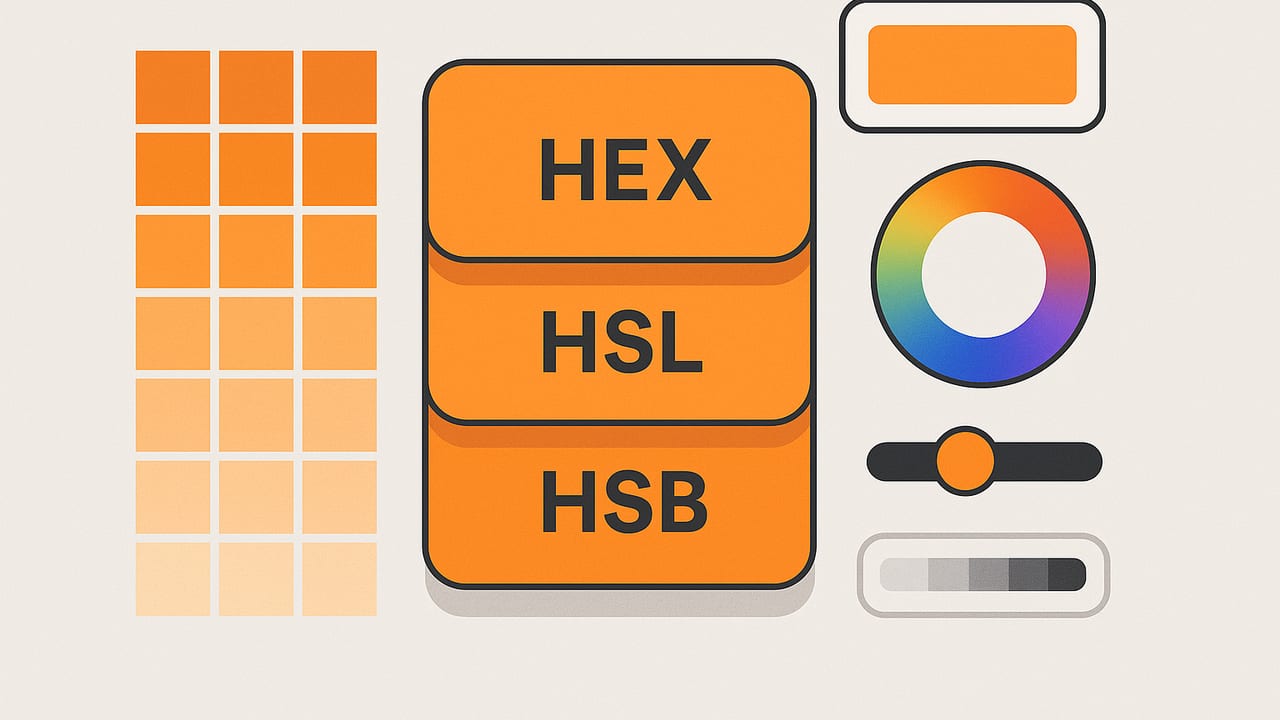
If you work with color on the web, in UI kits, or in brand systems, you will often need to compare HEX vs HSL vs HSB values and decide which representation to use at each stage of your workflow. All three describe the same color in the sRGB color space, but each model emphasizes different aspects: HEX is compact and ubiquitous in code, HSL is intuitive for systematic palette building, and HSB (also called HSV) mirrors how many creatives think about brightness and vividness. This guide explains how each works, when to choose one over the others, and how to convert between them safely.
What Each Model Represents
Before diving into practical use, here is a concise overview of each model and how to read its components.
| Model | Components | Typical Ranges | Intuition |
|---|---|---|---|
| HEX | #RRGGBB | 00–FF per channel (0–255) | Compact hex-coded RGB; the web’s default notation. |
| HSL | Hue, Saturation, Lightness | H: 0–360°, S/L: 0–100% | Lightness is the perceived light/dark balance; easy for tints/shades. |
| HSB/HSV | Hue, Saturation, Brightness (Value) | H: 0–360°, S/B: 0–100% | Brightness is the peak channel level; familiar in creative tools. |
Note on terminology: HSB (Hue, Saturation, Brightness) and HSV (Hue, Saturation, Value) are the same model under different names. Many design apps say HSB; many code libraries say HSV.
How the Sliders Behave
- Hue (H): the angle on the color wheel (0°–360°). 0° = red, 120° = green, 240° = blue. Same for HSL and HSB.
- Saturation (S): in both HSL and HSB, 0% = gray; 100% = fully vivid hue. But it interacts differently with the third component in each model.
- Lightness (L in HSL): 0% = black, 50% = “normal” lightness, 100% = white. Adjusting L creates perceptual tints and shades symmetrically around 50%.
- Brightness/Value (B/V in HSB): 0% = black, 100% = the highest RGB channel reaches full intensity. Raising B increases the strongest channel more directly, which can keep colors looking punchy but doesn’t guarantee neutral “pastels” when lowered.
When to Use HEX, HSL, or HSB
- Use HEX for handoff in CSS, design tokens, documentation, and version control. It’s concise, universal, and stable. Example:
#2F80ED. - Use HSL to build UI scales, themes, and semantic color systems. It’s ideal for predictable tints (higher L) and shades (lower L) while keeping hue constant.
- Use HSB in image editing and illustration workflows where adjusting brightness feels more “painterly.” It’s common in tools like Photoshop, Procreate, and many pickers.
In team workflows, a common approach is to canonicalize brand colors as HEX, define interactive scales (hover, pressed, disabled) via HSL adjustments, and fine-tune visual punch in marketing assets with HSB.
Hands-On Comparison With a Real Color
Consider the blue #2F80ED (RGB 47, 128, 237). Here are its values in HSL and HSB:
- HEX:
#2F80ED - HSL:
hsl(214.4, 84.1%, 55.7%) - HSB/HSV:
hsb(214.4, 80.1%, 92.9%)
What happens if you make the color lighter?
- HSL method: Increase Lightness from 55.7% toward ~70%. The color moves toward a gentle pastel while preserving hue and a balanced saturation feel.
- HSB method: Increase Brightness toward ~100% or decrease Saturation for softer looks. Raising Brightness keeps the strongest channel near full intensity; lowering Saturation trends the color toward gray.
Both arrive at lighter looks, but they don’t follow the same path. HSL is often better for predictable UI steps; HSB is better for expressive edits.
Pros and Cons at a Glance
| Model | Strengths | Trade-offs | Best For |
|---|---|---|---|
| HEX | Short, universal, lossless for sRGB; easy to copy/paste. | Not intuitive for systematic adjustments; opaque to humans. | Code handoff, tokens, brand specs, version control. |
| HSL | Hue-locked tints/shades; intuitive scales; CSS-native hsl(). |
Can produce dull midtones if saturation isn’t tuned. | Design systems, theming, accessibility-first palettes. |
| HSB/HSV | Painterly adjustments; vivid looks at high B; common in editors. | Less predictable steps for UI; not standardized in CSS syntax. | Illustration, photo tweaks, marketing graphics. |
Converting Between Models (JavaScript)
Below are minimal, sRGB-based functions to convert HEX to RGB, then to HSL and HSV/HSB. Values are returned in familiar ranges.
// HEX (#RRGGBB) to RGB [0-255]
function hexToRgb(hex) {
  const m = hex.trim().replace(/^#/, '');
  if (m.length !== 6) throw new Error('Use #RRGGBB');
  const r = parseInt(m.slice(0, 2), 16);
  const g = parseInt(m.slice(2, 4), 16);
  const b = parseInt(m.slice(4, 6), 16);
  return { r, g, b };
}

// RGB [0-255] to HSL (H[0-360], S/L[0-100])
function rgbToHsl(r, g, b) {
  r /= 255; g /= 255; b /= 255;
  const max = Math.max(r, g, b), min = Math.min(r, g, b);
  const d = max - min;
  let h = 0;
  if (d !== 0) {
    if (max === r) h = ((g - b) / d) % 6;
    else if (max === g) h = (b - r) / d + 2;
    else h = (r - g) / d + 4;
    h *= 60; if (h < 0) h += 360;
  }
  const l = (max + min) / 2;
  const s = d === 0 ? 0 : d / (1 - Math.abs(2 * l - 1));
  return { h, s: s * 100, l: l * 100 };
}

// RGB [0-255] to HSV/HSB (H[0-360], S/V[0-100])
function rgbToHsv(r, g, b) {
  r /= 255; g /= 255; b /= 255;
  const max = Math.max(r, g, b), min = Math.min(r, g, b);
  const d = max - min;
  let h = 0;
  if (d !== 0) {
    if (max === r) h = ((g - b) / d) % 6;
    else if (max === g) h = (b - r) / d + 2;
    else h = (r - g) / d + 4;
    h *= 60; if (h < 0) h += 360;
  }
  const s = max === 0 ? 0 : d / max;
  const v = max;
  return { h, s: s * 100, v: v * 100 };
}

// Example
const { r, g, b } = hexToRgb('#2F80ED');
console.log(rgbToHsl(r, g, b)); // ~ { h: 214.4, s: 84.1, l: 55.7 }
console.log(rgbToHsv(r, g, b)); // ~ { h: 214.4, s: 80.1, v: 92.9 }
CSS Tips: Using HSL in Design Systems
Modern CSS supports hsl() natively, which makes theme tokens clear and editable. You can lock hue and saturation, and vary lightness for states.
:root {
  --brand-h: 214.4; /* hue */
  --brand-s: 84%;   /* saturation */
  --brand-l: 56%;   /* base lightness */

  --brand: hsl(var(--brand-h) var(--brand-s) var(--brand-l));
  --brand-hover: hsl(var(--brand-h) var(--brand-s) 50%);
  --brand-pressed: hsl(var(--brand-h) var(--brand-s) 42%);
  --brand-muted: hsl(var(--brand-h) 30% 70%);
}

.button { background: var(--brand); color: white; }
.button:hover { background: var(--brand-hover); }
.button:active { background: var(--brand-pressed); }
.badge { background: var(--brand-muted); color: #123; }
This approach keeps your system consistent while remaining human-readable. For more advanced needs, modern color functions like color-mix() can create blends, and oklch() can improve perceptual uniformity in supporting browsers. However, HEX and HSL remain the most compatible pair today.
Accessibility and Contrast Considerations
- Contrast first: Regardless of HEX, HSL, or HSB, verify text/background pairs using WCAG contrast tools (4.5:1 for body text, 3:1 for large text).
- Build tonal steps with HSL: Create a lightness scale (e.g., L = 96, 90, 84, 72, 60, 48, 36, 24) at fixed hue and tuned saturation; then test contrast.
- Keep saturation flexible: Slightly reducing saturation at mid-lightness can increase legibility while preserving brand character.
- Edge cases: Very vivid reds and blues can fail contrast faster than expected. Don’t rely on intuition—measure.
Common Pitfalls and How to Avoid Them
- Assuming HSB = HSL: They’re not. HSB’s Brightness behaves differently from HSL’s Lightness; conversions will produce different numbers.
- Rounding differences: Calculators may round hue or percentages differently. For consistency, store canonical tokens (e.g., HEX or high-precision HSL) and derive.
- Color spaces: These models assume sRGB unless otherwise specified. If you’re working in Display P3 or Adobe RGB, convert appropriately before publishing to web.
- Mixing in the wrong space: Blending colors by averaging HEX/RGB is not perceptually uniform. For nicer ramps, use HSL/OKLCH or a mixing function designed for perceptual uniformity.
- Opacity vs. lightness: Lowering opacity is not the same as increasing L or lowering S. Transparent overlays interact with backgrounds; test on real surfaces.
Decision Guide: Choosing the Right Model
- Hand-off and specs: Use HEX. It’s the lingua franca for code and documentation.
- Building scalable palettes: Use HSL. Fix hue, vary lightness (and optionally saturation).
- Expressive edits in visuals: Use HSB. It aligns with many creative tools and mental models.
- Implementation in CSS: Prefer HSL variables for readability; compile to HEX if needed for legacy contexts.
FAQ
Is HSB the same as HSV?
Yes. HSB and HSV are two names for the same representation. Some UI labels say “Brightness,” some say “Value.”
Why don’t my HSL and HSB values match across tools?
Minor differences usually come from rounding and implementation details. Ensure each tool uses sRGB and check whether percentages are rounded to whole numbers or decimals.
Should I store colors as HEX, HSL, or HSB?
Store canonical tokens as HEX (for stability and ubiquity) and optionally keep HSL for theming. Derive HSB on demand inside creative tools.
Can I convert HEX to HSL/HSB without losing fidelity?
Yes. These are coordinate transforms in the same color space (sRGB). Converting does not change the color’s visual appearance; it only changes how you describe it.
Key Takeaways
- If you need to compare HEX vs HSL vs HSB values, remember they encode the same color differently.
- Choose HEX for interchange, HSL for systematic palettes, and HSB for expressive image edits.
- Use CSS
hsl()for readable tokens and consistent UI states. Always verify accessibility with contrast checks. - Mind rounding, color space assumptions, and the differences between Lightness (HSL) and Brightness (HSB).
The best workflow logs a single source of truth (HEX), derives human-friendly knobs for design (HSL), and taps into HSB for creative polish when needed.
Subtle note: If you want a quick way to sample real-world colors and get instant HEX, HSL, and HSB values from photos on iPhone or iPad, the Color Viewfinder app offers an easy workflow with palette exports.