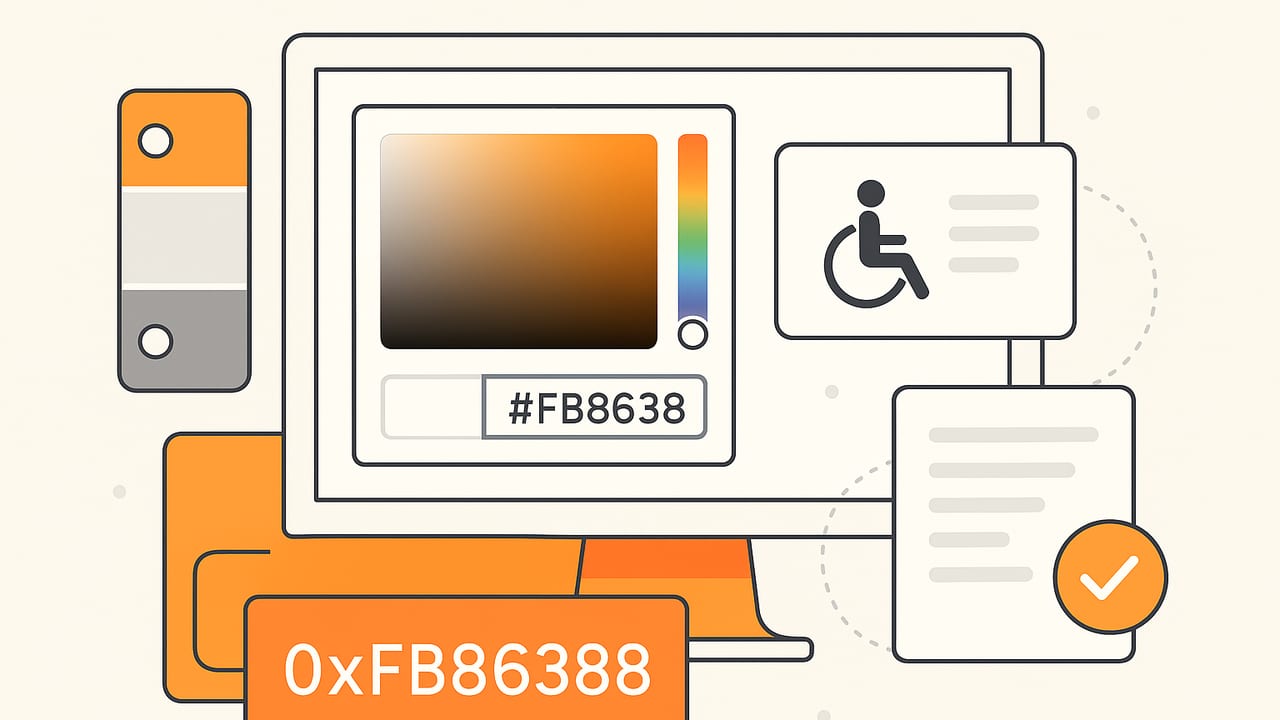
Hex colors are the backbone of digital color on the web and in product UI. Whether you are building a design system, refining a brand palette, or ensuring accessible contrast, understanding how hex values work—and when to reach for other models—will speed up your workflows and improve consistency across platforms.
What Are Hex Colors?
Hex colors are six- or eight-digit base-16 values representing red, green, and blue channels. Each pair defines one channel, ranging from 00 (0) to FF (255). The format is:
- #RRGGBB — standard 24-bit color (e.g.,
#1E90FF). - #RGB — shorthand for
#RRGGBB(e.g.,#09Fexpands to#0099FF). - #RRGGBBAA — with alpha transparency (e.g.,
#00000080is 50% opaque black). - #RGBA — shorthand with alpha (e.g.,
#F00Cexpands to#FF0000CC).
Hex values map directly to sRGB, the default color space for web content. That means #FFFFFF is white, #000000 is black, and everything in between blends the red, green, and blue channels in precise 8-bit steps.
Why Hex Colors Endure
Hex colors are compact, widely supported, and easy to copy/paste. They are the de facto format in CSS and many design tools. While newer CSS color functions like hsl() and color() can be more expressive, hex remains a dependable, unambiguous token for storing and communicating color.
Syntax and Edge Cases to Know
- Case-insensitive:
#1e90ffequals#1E90FF. Choose a convention (often lowercase) and stick to it. - Alpha order: CSS parses hex alpha as the last two digits:
#RRGGBBAA. For example,#FF000080is semi-opaque red. - Shorthand expansion:
#ABCequals#AABBCC;#ABCDequals#AABBCCDD. - Color space: Hex values in CSS assume sRGB. Wide-gamut colors require non-hex functions like
color(display-p3 0.8 0.2 0.6). - Platform differences: Some tools display hex colors differently if a document is tagged with a non-sRGB profile. For consistent results on the web, work in sRGB and test in browsers.
Hex vs RGB vs HSL vs HSB/HSV
When choosing a format, consider your task. Hex colors are great for tokens and handoff, but other models can simplify editing and reasoning about color.
| Model | Syntax Example | Channels & Range | Strengths |
|---|---|---|---|
| HEX | #1E90FF |
RR, GG, BB (00–FF), optional AA | Compact, ubiquitous in CSS, ideal for tokens |
| RGB | rgb(30, 144, 255) |
R, G, B (0–255) or 0–100% | Explicit channel control; easy to animate |
| HSL | hsl(210deg 100% 56%) |
Hue (0–360), Saturation/Lightness (0–100%) | Intuitive for tints/shades; theming-friendly |
| HSB/HSV | Tool-dependent | Hue, Saturation, Brightness/Value | Useful for painters; not standard in CSS |
Example conversion: #1E90FF equals rgb(30, 144, 255) and roughly hsl(210deg 100% 56%). Many tools can toggle among these formats.
Accessibility and Contrast With Hex Colors
Readable interfaces rely on adequate contrast. The WCAG recommends a minimum contrast ratio of 4.5:1 for normal text and 3:1 for large text. You can measure contrast between two hex colors using luminance calculations.
Rule of thumb: If users must squint, the contrast is too low. Prioritize legibility over brand exactness.
JavaScript Helpers for Contrast
function hexToRgb(hex) {
  let h = hex.replace(/^#/, "");
  if (h.length === 3) h = h.split("").map(c => c + c).join("");
  if (h.length === 4) h = h.split("").map(c => c + c).join(""); // RGBA shorthand
  const hasAlpha = h.length === 8;
  const bigint = parseInt(h.slice(0, 6), 16);
  const r = (bigint >> 16) & 255;
  const g = (bigint >> 8) & 255;
  const b = bigint & 255;
  const a = hasAlpha ? parseInt(h.slice(6, 8), 16) / 255 : 1;
  return { r, g, b, a };
}

function srgbToLuminance(c) {
  const s = c / 255;
  const v = s <= 0.03928 ? s / 12.92 : Math.pow((s + 0.055) / 1.055, 2.4);
  return v;
}

function relativeLuminance(hex) {
  const { r, g, b } = hexToRgb(hex);
  const R = srgbToLuminance(r);
  const G = srgbToLuminance(g);
  const B = srgbToLuminance(b);
  return 0.2126 * R + 0.7152 * G + 0.0722 * B;
}

function contrastRatio(hex1, hex2) {
  const L1 = relativeLuminance(hex1);
  const L2 = relativeLuminance(hex2);
  const lighter = Math.max(L1, L2);
  const darker = Math.min(L1, L2);
  return (lighter + 0.05) / (darker + 0.05);
}

// Example:
console.log(contrastRatio('#1e90ff', '#ffffff').toFixed(2)); // 3.09
In the example, #1E90FF on white produces a ratio around 3.09:1—not enough for small text. You could darken the blue or use it for large text, icons, or accents.
Building a Hex Color Palette That Scales
A resilient palette is more than a handful of favorite swatches. It includes roles, states, and consistent steps between tones.
- Start with brand hues: Choose one primary and one or two secondary accent colors as hex values.
- Add a neutral ramp: 7–10 grays from
#0A0A0Ato#FAFAFAhelp structure text, surfaces, and borders. - Define semantic roles: success, warning, danger, info. Each needs base, hover, and active states.
- Codify tokens: store hex colors as design tokens for easy handoff and consistency.
- Test contrast early: validate combinations for common UI pairings (text on surfaces, buttons on backgrounds, badges on cards).
CSS Tokens With Hex Colors
:root {
  --brand-500: #1e90ff; /* primary */
  --brand-600: #1877cc; /* hover */
  --brand-700: #125c99; /* active */
  --success-500: #10b981;
  --danger-500: #ef4444;
  --surface: #ffffff;
  --text-900: #0b1220;
  --text-600: #4b5563;
}

.button-primary {
  background: var(--brand-500);
  color: var(--surface);
}

.button-primary:hover { background: var(--brand-600); }
.button-primary:active { background: var(--brand-700); }
Prefer hex colors for tokens so their values remain portable across platforms (CSS, iOS, Android, design tools). Use semantic names (brand-500, text-900) rather than raw color names.
Light and Dark Themes With Hex
:root {
  --surface: #ffffff;
  --on-surface: #111827;
}

@media (prefers-color-scheme: dark) {
  :root {
    --surface: #0b1220;
    --on-surface: #e5e7eb;
  }
}

body { background: var(--surface); color: var(--on-surface); }
Because both themes use hex colors, you maintain consistent, predictable rendering while switching values at runtime.
Create Tints and Shades From Hex
You can generate related tones without leaving CSS using color-mix():
.badge {
  /* 80% brand mixed toward white for a tint */
  background: color-mix(in srgb, var(--brand-500) 80%, white);
}
This is practical for producing subtle backgrounds and borders. For critical UI text, always re-check contrast.
Real-World Hex Color Workflows
- From photos to palettes: Sample hex colors from a photograph or brand imagery to seed your palette. Extract 5–8 core tones, then normalize them into usable steps (e.g., 100–900).
- Brand alignment: Convert legacy RGB or HSL specs into hex for system tokens. Lock them in a single source of truth.
- Developer handoff: Provide a token table with hex, purpose, and contrast guidance. Include usage examples for common components.
- Naming: Avoid subjective names like sky-blue. Prefer roles (link, focus) or scale numbers (brand-400).
- QA and visual diff: Automated tests can flag accidental hex changes in tokens via snapshot or style-dictionary checks.
Common Pitfalls and How to Avoid Them
- Insufficient contrast: Strong brand colors often fail on white. Provide a darker text variant (e.g., move from
#1E90FFto#125C99) for small text. - Device gamut surprises: Hex colors target sRGB; they may look less vivid than display-p3 previews from design tools. For wide-gamut effects, use
color(display-p3 ...)with sRGB fallbacks. - Alpha misuse: Hex with alpha (
#RRGGBBAA) affects contrast. Measure contrast against the final composited background, not just the foreground color. - Printing mismatch: Hex colors don’t translate 1:1 to CMYK. Request print proofs and specify spot colors if brand-critical.
- Too many unique hex values: Limit the palette. Excess unique hex colors inflate complexity and undermine consistency.
FAQ: Quick Answers About Hex Colors
- Are hex colors case-sensitive? No.
#FFAA00equals#ffaa00. - What does
#00000000mean? Fully transparent black (alpha 0). On screen, you’ll see whatever is behind it. - Can hex represent wide-gamut colors? Standard hex targets sRGB. Use CSS Color 4 functions for wide-gamut spaces like Display-P3.
- When should I prefer HSL? When you need systematic tints/shades or hue rotations; keep hex for tokens and final storage.
- Is 3-digit hex equivalent to 6-digit? Yes, when it expands cleanly (
#ABC→#AABBCC), but avoid it for clarity.
Putting It All Together
Hex colors are simple, portable, and universal. Use them for tokens, documentation, and cross-platform handoff. Pair hex with HSL or CSS color functions during exploration, verify accessibility with contrast checks, and standardize your naming and roles. A thoughtful hex color palette will scale across themes, components, and mediums with minimal friction.
If you like working from imagery, a lightweight way to capture palette-ready hex colors from photos on iPhone or iPad is to sample them with an app like Color Viewfinder, then export the palette for your design system.