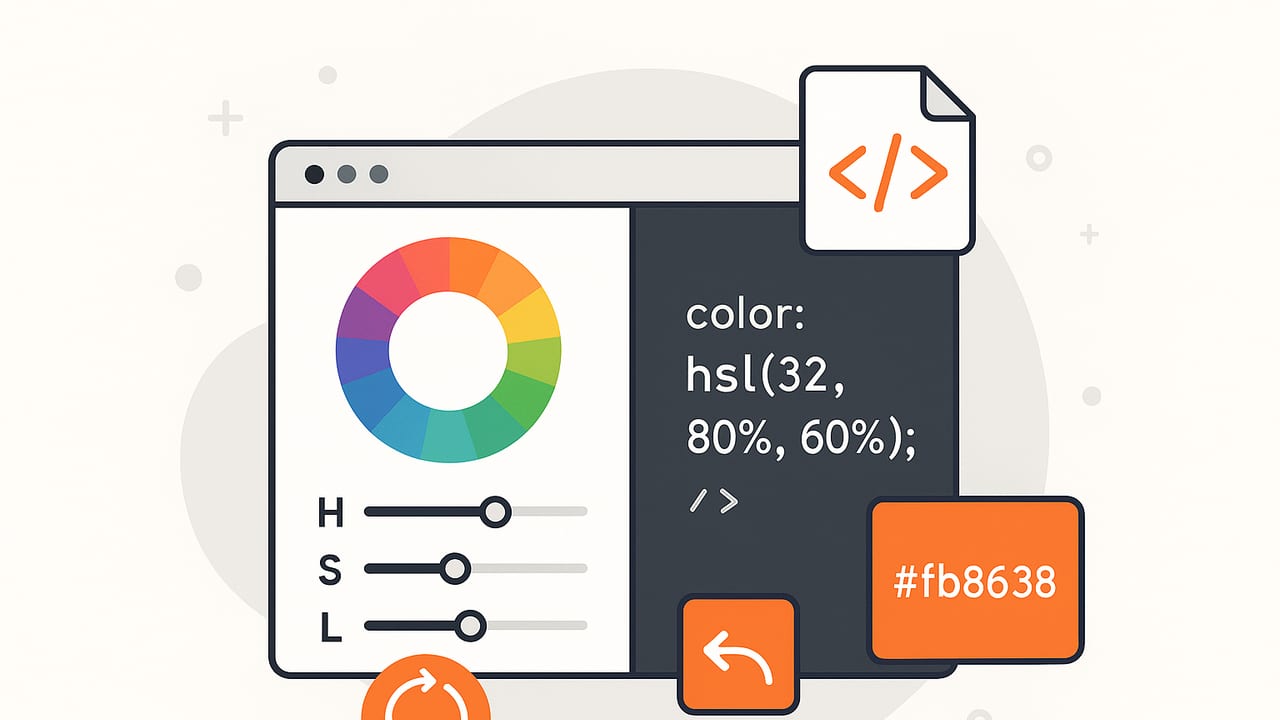
Whether you’re building a color tool, refining a design system, or validating palette choices, a reliable HSL converter is essential. HSL (Hue, Saturation, Lightness) maps closely to how humans describe color, making it convenient for adjusting tints, tones, and shades. This guide explains how an HSL converter works, how to implement one from scratch, how it differs from HSV and RGB, and how to use it safely in CSS without common pitfalls.
HSL at a Glance (and How It Compares)
HSL expresses color with three components: hue (0–360°), saturation (0–100%), and lightness (0–100%). Designers like HSL because it’s intuitive: rotate hue to change color family, increase saturation to intensify color, and adjust lightness to move toward white or black.
| Model | Components | Strengths | Trade-offs | CSS Example |
|---|---|---|---|---|
| HSL | h (0–360°), s%, l% | Intuitive edits; great for tints/shades | Not perceptually uniform; L isn’t luminance | hsl(210 50% 40%) |
| HSV/HSB | h (0–360°), s%, v% | Good for “value/brightness” controls | Also not perceptually uniform; V ≠ luminance | n/a (no native hsv() in CSS) |
| RGB | r,g,b (0–255) | Device-aligned; maps to pixels | Hard to reason about hue/saturation | rgb(24 120 200) |
| HEX | #RRGGBB or #RRGGBBAA |
Compact for web; ubiquitous | Opaque format; edits are inconvenient | #1878C8 |
For editing and palette generation, HSL often feels natural. For final rendering, everything becomes RGB in sRGB or wider spaces (like Display P3). A robust HSL converter helps you move between these representations precisely.
Build a Trustworthy HSL Converter (The Math)
Most “HSL converter” implementations follow the W3C-specified conversion between sRGB and HSL. The typical approach normalizes RGB components to [0,1] and derives H, S, and L from min/max channel values.
RGB → HSL: Step-by-Step
- Normalize:
r = R/255,g = G/255,b = B/255. - Compute
max = max(r,g,b),min = min(r,g,b),d = max - min. - Lightness:
l = (max + min) / 2. - Saturation: if
d == 0thens = 0(achromatic); elses = d / (1 - |2l - 1|). - Hue: if
d == 0thenh = 0; else- if max==r:
h = (g - b) / d + (g < b ? 6 : 0) - if max==g:
h = (b - r) / d + 2 - if max==b:
h = (r - g) / d + 4
Then
h = h / 6and convert to degrees:h *= 360. - if max==r:
// JavaScript: RGB (0-255) to HSL (deg, %, %)
function rgbToHsl(R, G, B) {
  let r = R / 255, g = G / 255, b = B / 255;
  const max = Math.max(r, g, b), min = Math.min(r, g, b);
  let h = 0, s = 0;
  const l = (max + min) / 2;

  const d = max - min;
  if (d !== 0) {
    s = d / (1 - Math.abs(2 * l - 1));
    switch (max) {
      case r: h = (g - b) / d + (g < b ? 6 : 0); break;
      case g: h = (b - r) / d + 2; break;
      default: h = (r - g) / d + 4; // max == b
    }
    h /= 6;
  }

  return {
    h: Math.round(h * 360),
    s: Math.round(s * 100),
    l: Math.round(l * 100)
  };
}
HSL → RGB
The standard solution uses a helper to transform hue sectors into RGB and then scales back to [0–255].
// JavaScript: HSL (deg, %, %) to RGB (0-255)
function hslToRgb(H, S, L) {
  let h = H / 360, s = S / 100, l = L / 100;
  if (s === 0) {
    const v = Math.round(l * 255);
    return { r: v, g: v, b: v }; // achromatic
  }
  const q = l < 0.5 ? l * (1 + s) : l + s - l * s;
  const p = 2 * l - q;
  const hue2rgb = (p, q, t) => {
    if (t < 0) t += 1;
    if (t > 1) t -= 1;
    if (t < 1/6) return p + (q - p) * 6 * t;
    if (t < 1/2) return q;
    if (t < 2/3) return p + (q - p) * (2/3 - t) * 6;
    return p;
  };
  const r = Math.round(hue2rgb(p, q, h + 1/3) * 255);
  const g = Math.round(hue2rgb(p, q, h) * 255);
  const b = Math.round(hue2rgb(p, q, h - 1/3) * 255);
  return { r, g, b };
}
HEX ↔ HSL (Convenience Wrappers)
// JavaScript: HEX -> HSL and back
function hexToRgb(hex) {
  hex = hex.replace(/^#/, "");
  if (hex.length === 3) hex = hex.split("").map(x => x + x).join("");
  const num = parseInt(hex, 16);
  return { r: (num >> 16) & 255, g: (num >> 8) & 255, b: num & 255 };
}

function rgbToHex(r, g, b) {
  return "#" + [r, g, b]
    .map(v => v.toString(16).padStart(2, "0"))
    .join("")
    .toUpperCase();
}

function hexToHsl(hex) {
  const { r, g, b } = hexToRgb(hex);
  return rgbToHsl(r, g, b);
}

function hslToHex(h, s, l) {
  const { r, g, b } = hslToRgb(h, s, l);
  return rgbToHex(r, g, b);
}
Using HSL in Modern CSS
CSS Color Level 4 supports a flexible HSL syntax. You can space-separate values and use a slash for alpha:
/* Same color, different syntaxes */
.box-1 { color: hsl(210, 50%, 40%); }
.box-2 { color: hsl(210 50% 40% / 80%); }
.box-3 { color: hsl(210deg 50% 40% / 0.8); }

:root {
  --brand-h: 210;
  --brand-s: 50%;
  --brand-l: 40%;
}
.button {
  background: hsl(var(--brand-h) var(--brand-s) var(--brand-l));
}
.button:hover {
  background: hsl(var(--brand-h) var(--brand-s) calc(var(--brand-l) + 10%));
}
Note: HSL in CSS maps to sRGB. For wide-gamut targets (Display P3), you might set colors in color(display-p3 ...) and still use HSL for editing logic in tooling, then convert to your final space.
HSL Converter Pitfalls (and How to Avoid Them)
- Hue wrapping: Always normalize hue into [0,360). Use modulo to prevent negative values after arithmetic.
- Achromatic edge cases: When
max == min, setS = 0and a stableH = 0to avoid NaN. Don’t leak uninitialized hue values. - Rounding strategy: Round only at display/export time. Keep internal calculations in floats to reduce stair-stepping in gradients.
- Percent vs unit intervals: Watch for inputs like
S=0.5vsS=50%. Normalize consistently. - Clamping: After math, clamp S and L to [0,1] (or [0,100%]) and RGB to [0,255].
- Gamma confusion: HSL/Hue math uses the standard (nonlinear) sRGB components. If you’re mixing/blending colors, consider linearizing first; but for conversion alone, follow the standard algorithms above.
- Performance: For batch conversion (e.g., generating scales), avoid repeated parsing/formatting; keep values in numeric structs and serialize once at output.
Accessibility: Contrast and the Limits of “L”
HSL’s lightness is not the same as perceived luminance. WCAG contrast ratios use relative luminance derived from linearized RGB, not HSL L. Use an HSL converter to adjust color easily, but validate contrast with WCAG formulas.
// JavaScript: WCAG relative luminance and contrast
function srgbToLinear(c) {
  c /= 255;
  return c <= 0.04045 ? c / 12.92 : Math.pow((c + 0.055) / 1.055, 2.4);
}

function relativeLuminance({ r, g, b }) {
  const R = srgbToLinear(r);
  const G = srgbToLinear(g);
  const B = srgbToLinear(b);
  return 0.2126 * R + 0.7152 * G + 0.0722 * B;
}

function contrastRatio(rgb1, rgb2) {
  const L1 = relativeLuminance(rgb1);
  const L2 = relativeLuminance(rgb2);
  const [hi, lo] = L1 > L2 ? [L1, L2] : [L2, L1];
  return (hi + 0.05) / (lo + 0.05);
}

// Example: increase L until contrast ≥ 4.5:1
function findAccessibleTextColor(bgHex, h, s, startL = 40) {
  const bg = hexToRgb(bgHex);
  for (let l = startL; l <= 100; l++) {
    const fg = hslToRgb(h, s, l);
    if (contrastRatio(fg, bg) >= 4.5) return { h, s, l };
  }
  return null; // no solution within range
}
For perceptually uniform edits (e.g., consistent steps that “look” even), many teams prefer OKLCH or LAB for palette construction, then convert to sRGB/HSL/HEX for delivery. This hybrid approach offers better visual consistency while preserving CSS compatibility.
Practical Workflows with an HSL Converter
- Design-system scales: Fix hue and saturation; vary L to create tints/shades. Validate contrast for text/background pairs.
- Theming: Change hue globally (e.g., 200° → 340°) to re-skin an interface while keeping relative S/L steps intact.
- Data visualizations: Keep saturation and lightness within restrained ranges for legibility, adjust hue for categorical series.
- Batch conversions: Import HEX palettes, convert to HSL for editing, then export to HEX/RGB for production.
// Generate a 10-step scale by adjusting lightness
function generateScale(h, s, lStart = 18, lEnd = 92, steps = 10) {
  const out = [];
  for (let i = 0; i < steps; i++) {
    const l = Math.round(lStart + (i * (lEnd - lStart)) / (steps - 1));
    const hex = hslToHex(h, s, l);
    out.push({ step: i + 1, h, s, l, hex });
  }
  return out;
}

console.table(generateScale(210, 60));
Tip: Large saturation swings can break contrast at mid lightness values. For UI palettes, constrain S (e.g., 40–70%) and vary L carefully.
Sanity Checks and Known Values
Use these test pairs to validate your HSL converter implementation:
| Color | HEX | RGB | HSL |
|---|---|---|---|
| Red | #FF0000 | rgb(255, 0, 0) | hsl(0, 100%, 50%) |
| Lime | #00FF00 | rgb(0, 255, 0) | hsl(120, 100%, 50%) |
| Blue | #0000FF | rgb(0, 0, 255) | hsl(240, 100%, 50%) |
| Mid Gray | #808080 | rgb(128, 128, 128) | hsl(0, 0%, 50%) |
| Brandish Blue | #1878C8 | rgb(24, 120, 200) | ≈ hsl(206, 79%, 44%) |
FAQ
- Is HSL device-independent? HSL describes colors relative to sRGB. Rendering still depends on the display profile. For P3 or HDR workflows, convert appropriately.
- Why doesn’t HSL look “even” across steps? HSL isn’t perceptually uniform. Consider building scales in OKLCH/LAB, then convert to RGB/HEX/HSL for output.
- HSL vs HSV (HSB): which should I use? HSV can feel better for brightness sliders; HSL is great for tint/shade edits. Pick based on your UI’s control semantics.
- Do I need alpha in HSL? Use the slash syntax:
hsl(210 50% 40% / 0.6). Internally, you can store alpha alongside H, S, L and preserve it through conversions. - What about performance? The math is lightweight. For large batches, avoid string parsing inside loops and reuse buffers.
Key Takeaways
- An accurate HSL converter hinges on careful edge handling, consistent units, and sensible rounding.
- Use HSL to intuitively edit colors; validate contrast with WCAG formulas based on relative luminance.
- For visually uniform scales, consider OKLCH/LAB for construction and convert to HSL/HEX for delivery.
- In CSS, prefer the modern
hsl(H S% L% / A)syntax and keep hue normalized to [0,360).
If you prefer an on-device workflow that extracts colors from photos and shows HSL alongside HEX and RGB, try the iOS/iPad app Color Viewfinder.