Whether you’re building a UI color system, matching paint tones from a photo, or cleaning up a brand palette, you’ll eventually need an RGB HEX converter. Designers often capture colors in one format (like RGB from a screen or photo) and deliver them in another (like HEX for web styles). When conversion is done incorrectly—or without understanding rounding, color profiles, and context—colors can drift, leading to “almost right” palettes that never quite match across devices.
This guide explains how RGB and HEX relate, how conversion works under the hood, and how to use conversions reliably in real projects across graphic design, interior design, and creative work.
RGB vs. HEX: what’s the difference?
RGB and HEX represent the same kind of color: an additive color made from red, green, and blue light. The difference is how those channel values are written.
| Format | Example | What it means | Common use |
|---|---|---|---|
| RGB | rgb(255, 102, 0) | Three integers (0–255) for Red, Green, Blue | Design tools, image editing, UI specs |
| HEX | #FF6600 | Same values encoded in base-16 (hexadecimal) | CSS, web design, design tokens |
| HSL | hsl(24, 100%, 50%) | Hue, Saturation, Lightness model | Palette tuning, intuitive adjustments |
| HSB/HSV | hsb(24, 100%, 100%) | Hue, Saturation, Brightness | Color picking and brightness control |
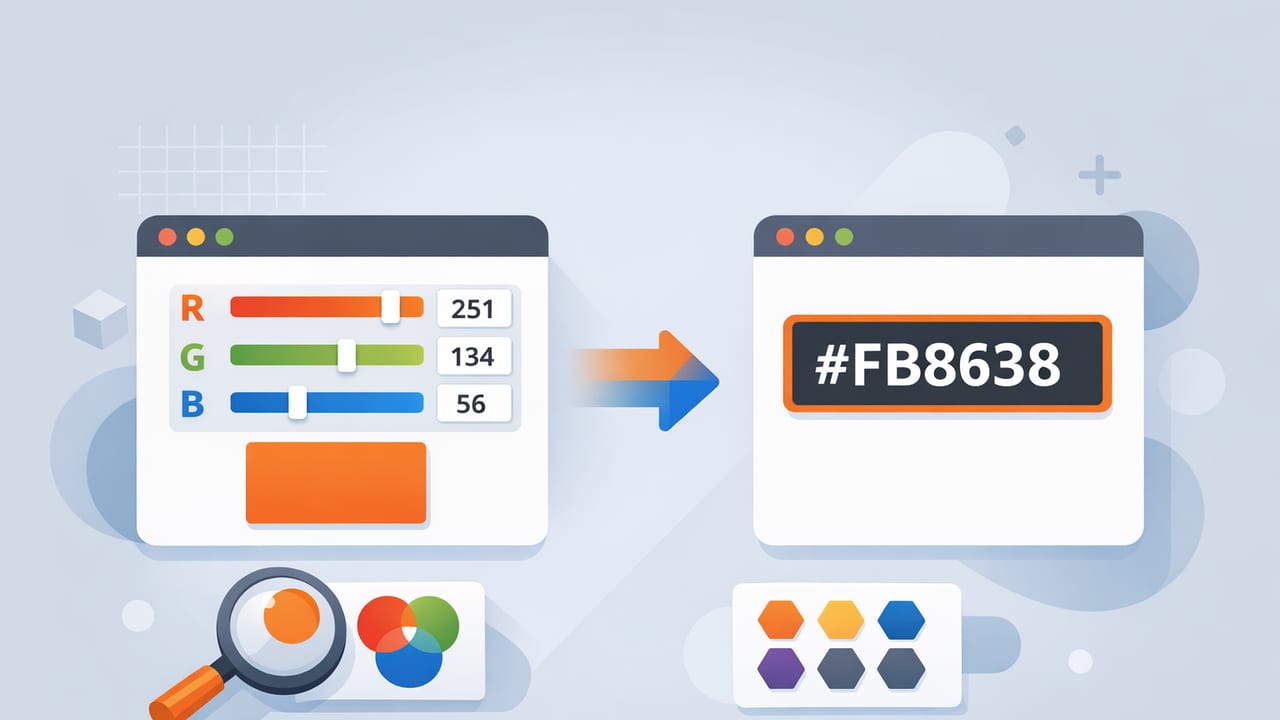
In practice: RGB and HEX are two notations for the same RGB color. If you have rgb(255, 102, 0), the equivalent HEX is #FF6600.
How an RGB HEX converter works (the simple math)
Each RGB channel (R, G, B) is an integer from 0 to 255. HEX expresses each channel using two hexadecimal digits from 00 to FF.
- 0 in decimal equals 00 in hex.
- 255 in decimal equals FF in hex.
To convert RGB to HEX:
- Convert each channel (R, G, B) from decimal to hex.
- Pad each hex value to two digits (e.g.,
Abecomes0A). - Concatenate them and prefix with
#.
Example: rgb(255, 102, 0) → R=255→FF, G=102→66, B=0→00 →
#FF6600
Quick reference: common RGB to HEX conversions
- rgb(0, 0, 0) →
#000000 - rgb(255, 255, 255) →
#FFFFFF - rgb(255, 0, 0) →
#FF0000 - rgb(0, 255, 0) →
#00FF00 - rgb(0, 0, 255) →
#0000FF
RGB ↔ HEX conversion pitfalls (and how to avoid them)
An RGB HEX converter is mathematically straightforward, but real-world color work introduces a few traps.
1) Rounding and sampling variation from photos
If you’re extracting colors from an image, you’re often averaging pixels or sampling a single pixel. Two nearby pixels can differ due to compression, lighting gradients, sensor noise, or reflections. That can shift RGB values slightly, which then changes HEX.
Best practice: sample a small area average (or multiple points) and choose a representative value. For palette building, prefer a stable “anchor” shade rather than a noisy highlight.
2) Color profiles and display differences
RGB values can be interpreted in different color spaces (sRGB, Display P3, Adobe RGB). A color picker may show you numeric RGB values, but if the file/device uses a wide-gamut profile, the same perceived color may map differently.
Best practice: for web and most digital UI work, normalize to sRGB whenever possible before locking HEX values into CSS or design tokens.
3) Alpha / transparency
RGB and standard 6-digit HEX don’t include transparency. In CSS you might use:
rgba(255, 102, 0, 0.6)(RGB with alpha)#FF660099(8-digit HEX where the last two digits are alpha)
Best practice: if your workflow uses transparency, decide early whether you’ll standardize on RGBA or 8-digit HEX and document it.
When to use RGB vs. HEX in your workflow
Many teams treat HEX as “web-friendly” and RGB as “design-tool-friendly,” but you can be more strategic.
Use HEX when:
- You’re writing CSS, design tokens, or style variables.
- You need a compact, copy-paste-friendly notation (
#RRGGBB). - You want consistent representation across codebases and platforms.
Use RGB when:
- You’re adjusting channels or doing programmatic transforms.
- You need alpha in a clear form (
rgba()). - You’re reading values directly from many design tools and image editors.
Practical checklist: converting colors without surprises
- Confirm color space: is the source image/design file in sRGB or wide gamut?
- Decide output format: 6-digit HEX, 8-digit HEX, RGB, or RGBA.
- Standardize rounding: always round channel values to whole numbers (0–255).
- Name your colors: pair values with semantic names (e.g., “Primary 600”).
- Test on target surfaces: screens, print proofs, or paint swatches for interiors.
RGB to HEX conversion in code (useful for automation)
If you’re generating palettes, design tokens, or exporting color data, programmatic conversion prevents copy/paste errors. Here are two common snippets.
JavaScript (RGB to HEX)
function rgbToHex(r, g, b) {
  const toHex = (n) => n.toString(16).padStart(2, '0').toUpperCase();
  return `#${toHex(r)}${toHex(g)}${toHex(b)}`;
}

console.log(rgbToHex(255, 102, 0)); // #FF6600
Python (HEX to RGB)
def hex_to_rgb(hex_color: str):
    hex_color = hex_color.lstrip('#')
    if len(hex_color) != 6:
        raise ValueError('Expected 6-digit HEX like #RRGGBB')
    r = int(hex_color[0:2], 16)
    g = int(hex_color[2:4], 16)
    b = int(hex_color[4:6], 16)
    return (r, g, b)

print(hex_to_rgb('#FF6600'))  # (255, 102, 0)
These snippets mirror what any RGB HEX converter does: channel-by-channel conversion with consistent padding.
From photo to palette: a reliable method for designers
Converting RGB and HEX is only part of the job—what you really want is a usable palette. Here’s a process that works well for graphic design and interior inspiration boards.
Step 1: extract 6–10 candidate colors
Sample obvious focal points (key object colors), neutrals (whites, grays, blacks), and “connector” hues that bridge warm/cool areas. If a photo has strong lighting, sample both midtones and shadows.
Step 2: select a core palette (usually 4–6 colors)
Reduce to a small set that covers roles:
- Primary: the main brand/room anchor color
- Secondary: supports primary, adds variety
- Accent: sparingly used high-contrast pop
- Neutrals: background and typography/surfaces
Step 3: convert and standardize values
This is where an RGB HEX converter becomes practical: store both formats. A typical “palette card” might include HEX for dev handoff and RGB/HSL for adjustments.
Step 4: tune with HSL/HSB, then convert back
HSL/HSB are often easier for fine-tuning. For example, to create a button hover state you may keep hue the same, slightly reduce saturation, and darken lightness. Once tuned, convert the final RGB back to HEX for implementation.
Accessibility and contrast: don’t skip this step
A palette can look perfect in a photo but fail in UI if text contrast is too low. For digital projects, evaluate contrast between text and background colors.
As a rule of thumb:
- Body text on backgrounds should aim for strong contrast (often aligned with WCAG guidance).
- Accents should be used thoughtfully—high saturation doesn’t guarantee readability.
Even if your palette started with a photo, you can keep the “feel” while adjusting lightness/brightness to meet readability needs—then lock the final values in HEX.
FAQ: RGB HEX converter questions designers ask
Is HEX more accurate than RGB?
No. HEX and RGB (0–255) describe the same channel values—just in different notation. Accuracy depends more on sampling method, color space, and rounding than on the format.
Why do I sometimes see 3-digit HEX codes like #F60?
That’s shorthand HEX. #F60 expands to #FF6600 (each digit repeated). Many teams avoid shorthand to keep things consistent.
Should I store colors as HEX or RGB in a design system?
For web-facing design systems, storing as HEX is common, but it’s helpful to also keep RGB/HSL available for generating tints, shades, and states programmatically.
My extracted color looks different in the browser—why?
Common causes include: wide-gamut source colors not converted to sRGB, different displays, or sampling a highlight/shadow pixel rather than a midtone. Normalize color space and sample more representative areas.
Putting it all together
An RGB HEX converter is a small tool with a big impact: it keeps palettes consistent across apps, teams, and deliverables. Convert carefully, standardize your color space, and treat extraction as the beginning of a palette workflow—not the final step. When you combine stable sampling, thoughtful palette roles, and contrast checks, your converted values become dependable building blocks for design.
If you frequently extract colors from photos and want to capture RGB/HEX/HSL values quickly on iPhone or iPad, tools like Color Viewfinder can help streamline that early step—then you can refine and standardize the final palette for production.