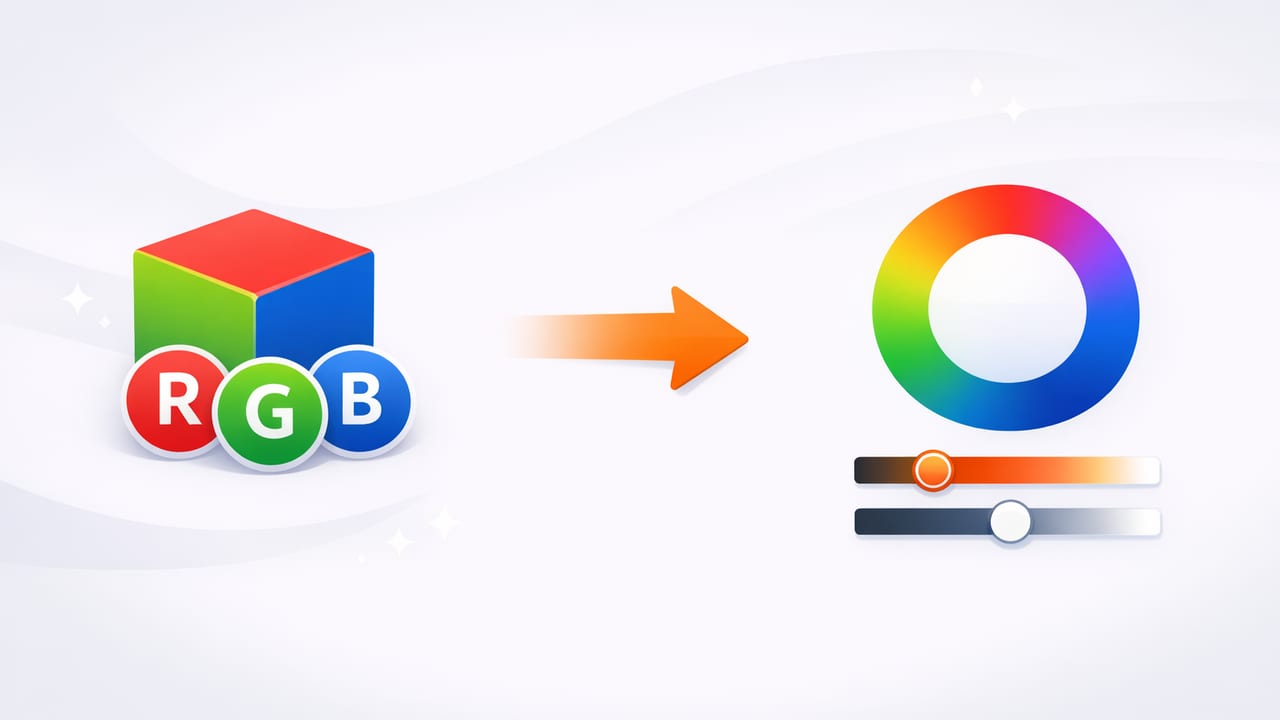
If you’ve ever copied an RGB color from a design file and wished you could “just make it a bit warmer” or “slightly less intense,” you’ve already run into the main reason people search for an rgb hsl converter. RGB is excellent for screens and pixels, but it’s not always intuitive for humans. HSL—Hue, Saturation, Lightness—is often easier to adjust when you’re trying to fine-tune a palette.
This guide explains what RGB and HSL actually represent, how conversion works, common pitfalls, and practical workflows for using HSL in real design tasks (UI, branding, illustration, interiors, and photo-based palettes).
RGB vs HSL: What’s the Difference?
RGB (Red, Green, Blue)
RGB describes a color by how much red, green, and blue light it contains. Each channel is typically 0–255 (8-bit), for example:
- RGB(255, 0, 0) = pure red
- RGB(0, 255, 0) = pure green
- RGB(0, 0, 255) = pure blue
RGB is device-friendly because screens emit light. But it’s not always user-friendly: changing “red from 132 to 140” doesn’t clearly tell you whether you’re changing hue, brightness, or intensity.
HSL (Hue, Saturation, Lightness)
HSL describes the same color in terms people tend to reason about:
- Hue: the “type” of color (0–360° on a color wheel)
- Saturation: color intensity (0–100%)
- Lightness: how light vs dark (0–100%)
In practice, HSL makes it easier to do tasks like: “keep the same hue, reduce saturation by 15%, and raise lightness slightly.” That’s why an rgb hsl converter is so useful in palette work and UI theming.
When an RGB HSL Converter Is Most Useful
Converting isn’t just academic—these are common, practical reasons to do it:
- Building tints and shades consistently by adjusting Lightness while keeping hue stable.
- Creating a calmer palette by reducing Saturation across multiple colors.
- Aligning colors across sources (brand guidelines in RGB, UI tokens in HSL, or vice versa).
- Designing state colors (hover/active/disabled) with predictable changes.
- Color-correcting photo-derived palettes where RGB samples may be too dull or too intense.
How RGB to HSL Conversion Works (Conceptually)
Most converters follow the same steps:
- Normalize RGB values from 0–255 into 0–1.
- Find the max and min of the normalized channels.
- Compute Lightness as
(max + min) / 2. - Compute Saturation based on how far apart max and min are (the “delta”).
- Compute Hue based on which channel is the max and how the other channels differ.
This method ensures that neutral colors (grays) get 0% saturation, and that hue wraps correctly around the 0–360° wheel.
Key terms used in conversion
- delta =
max - min(how “colorful” the RGB triple is) - achromatic colors (delta = 0) are grayscale → hue is effectively undefined and saturation is 0
RGB to HSL Conversion Formula (Step-by-Step)
Given R, G, B in 0–255:
- Normalize:
r = R/255,g = G/255,b = B/255 max = max(r,g,b),min = min(r,g,b),delta = max - min- Lightness:
L = (max + min) / 2 - Saturation:
- If
delta == 0→S = 0 - Else →
S = delta / (1 - |2L - 1|)
- If
- Hue:
- If
delta == 0→ hue can be set to 0 by convention - If
max == r→H = 60 * (((g - b)/delta) mod 6) - If
max == g→H = 60 * (((b - r)/delta) + 2) - If
max == b→H = 60 * (((r - g)/delta) + 4)
- If
Finally, convert: H in degrees (0–360), S and L to percentages.
Examples: RGB → HSL (Quick Reference Table)
| Color | RGB | HSL (approx.) | Notes |
|---|---|---|---|
| Red | rgb(255, 0, 0) | hsl(0, 100%, 50%) | Pure primary, high saturation |
| Green | rgb(0, 255, 0) | hsl(120, 100%, 50%) | Hue at 120° on the wheel |
| Blue | rgb(0, 0, 255) | hsl(240, 100%, 50%) | Hue at 240° |
| Gray | rgb(128, 128, 128) | hsl(0, 0%, 50%) | Saturation collapses to 0% |
| Warm beige | rgb(214, 185, 154) | hsl(31, 41%, 72%) | Good example of “readable” warmth via hue |
Code: A Simple RGB to HSL Converter (JavaScript)
If you want consistent conversions for design tokens or theming, implement the formula directly rather than relying on inconsistent tools.
function rgbToHsl(R, G, B) {
  let r = R / 255, g = G / 255, b = B / 255;
  let max = Math.max(r, g, b), min = Math.min(r, g, b);
  let delta = max - min;

  let h = 0;
  let l = (max + min) / 2;
  let s = 0;

  if (delta !== 0) {
    s = delta / (1 - Math.abs(2 * l - 1));

    if (max === r) {
      h = 60 * (((g - b) / delta) % 6);
    } else if (max === g) {
      h = 60 * (((b - r) / delta) + 2);
    } else {
      h = 60 * (((r - g) / delta) + 4);
    }
  }

  if (h < 0) h += 360;

  return {
    h: Math.round(h),
    s: Math.round(s * 100),
    l: Math.round(l * 100)
  };
}

// Example:
console.log(rgbToHsl(214, 185, 154)); // ~ { h: 31, s: 41, l: 72 }
Practical Workflow: Convert RGB to HSL, Then Improve a Palette
Here’s a repeatable approach designers use when a palette “almost works” but needs cohesion:
- Start with source colors (from a screenshot, brand guide, or sampled from a photo).
- Run an rgb hsl converter to get hue/saturation/lightness values for each color.
- Cluster by hue: identify which colors are close on the hue wheel (e.g., 20–40° for warm neutrals, 200–220° for cool blues).
- Normalize saturation: choose a target range (e.g., UI neutrals 5–15%, accents 60–90%).
- Build lightness steps: create a scale (e.g., 95%, 90%, 80%… down to 15%) while keeping hue mostly stable.
- Validate contrast: test text/background pairs; HSL helps you adjust lightness intentionally.
RGB helps you match pixels. HSL helps you shape a system.
Common Pitfalls (and How to Avoid Them)
1) Assuming HSL “lightness” equals perceived brightness
HSL lightness is mathematical, not perceptual. Two colors with the same HSL lightness can look very different in brightness (especially saturated yellows vs blues). If your goal is strict perceptual uniformity, consider LAB/LCH—but HSL is still extremely practical for quick iteration.
2) Getting weird hue values for near-gray colors
When saturation is close to 0, hue becomes unstable (tiny RGB noise causes large hue changes). Best practice: if S < 5%, treat the color as neutral and ignore hue.
3) Mixing up HSL and HSV/HSB
Many tools label HSV as “HSB.” HSL and HSV differ in how they define the third component (Lightness vs Value/Brightness). If you copy numbers between them, you won’t get the same color behavior. Always confirm the model your converter uses.
4) Rounding too early
For accurate conversions in code, keep decimals until the end. Early rounding can shift hue and saturation, especially for subtle tones.
How to Use HSL in CSS (and Why Designers Like It)
Modern CSS supports HSL directly. That makes it easy to create consistent variations:
/* Base brand color */
:root {
  --brand-h: 210;
  --brand-s: 80%;
  --brand-l: 45%;
}

.button {
  background: hsl(var(--brand-h) var(--brand-s) var(--brand-l));
}

.button:hover {
  background: hsl(var(--brand-h) var(--brand-s) calc(var(--brand-l) + 8%));
}

.button:disabled {
  background: hsl(var(--brand-h) 15% 80%);
  color: hsl(var(--brand-h) 10% 35%);
}
This is a classic “system” benefit: you can keep hue consistent while tuning saturation and lightness for states.
Choosing an RGB HSL Converter: What to Look For
- Clear model labels (HSL vs HSV/HSB).
- Consistent rounding and the option to copy values in multiple formats.
- Support for HEX, RGB, and HSL so you can move between design tools easily.
- Palette context: converting one color is useful; converting a group is where workflows get faster.
FAQ
Is HSL better than RGB?
Neither is “better.” RGB is the native language of displays and file formats. HSL is often better for editing and systematizing colors because adjustments map more closely to human intent.
Why do my converted values look slightly different in another tool?
Differences typically come from rounding, whether the tool uses HSL vs HSV, and sometimes color-management assumptions in the surrounding workflow.
Can I convert photo colors to HSL directly?
Yes. Sample RGB from pixels, then convert to HSL to make palette adjustments easier (e.g., reduce saturation for a softer scheme or align hues across varied lighting conditions).
Wrap-Up: Convert Once, Edit Smarter
An rgb hsl converter is most powerful when you treat it as a bridge: RGB for accurate sampling and implementation, HSL for deliberate creative control. Once you start editing palettes by hue bands and lightness steps—rather than chasing three RGB sliders—your color decisions become more consistent and easier to explain.
Gentle note: if you already sample colors from photos on iPhone or iPad and want RGB/HEX alongside HSL values in one place, Color Viewfinder can help streamline that step.